Build & Launch Your Shopify Store With AI

Categories: E-Commerce & AI
Wishlist Share
2,499 10,000

About Course

Go from zero to a fully live, order-taking online store in 20 practical chapters – using AI agents to do the heavy lifting at every step. No coding required.

You will set up a Shopify store from scratch, customise your theme, connect Claude AI and Shopify Sidekick to automate product creation, publish your legal and shipping pages, build a high-converting homepage, connect your own domain, and switch on payments including Cash on Delivery.

You will also launch a digital product, set up your SuperProfile page, install the Meta Pixel with all the key events, and build and publish your first live Meta sales ad campaign.

By the final chapter you will have a real store, on your own domain, accepting real money – and paid ads running to it.

Who this is for: complete beginners, students, freshers, small business owners and freelancers. No prior e-commerce experience needed.

What you need: a phone is enough to watch every lesson. For the build steps a laptop makes life much easier, so borrow one for a weekend if you do not have your own. You will also want an internet connection and a free Shopify trial account.

Show More

Course Content

Chapter 1: Shopify Store Setup
Create your Shopify account, tour the admin dashboard, install a theme that suits your product, and publish your very first product from start to finish.

  • Shopify Store Setup: Choose Your Theme & Launch Your First Product
    14:11

Chapter 2: Theme Customization & Product Listings
Customise your theme to match your brand, then learn how to write product titles and descriptions that actually convert browsers into buyers.

Chapter 3: Connect Claude AI to Shopify
Connect Claude AI to your store using MCP and run real operations with simple prompts - bulk edits, reports and product research - while knowing exactly what should never be automated.

Chapter 4: Go Live with Your Own Domain
Buy a domain, connect it to Shopify through DNS, remove password protection and take your store properly public.

Chapter 5: Add Products in Seconds Using AI Agents
Use Shopify Sidekick to create products by prompt, generate descriptions with AI, and bulk-import a full catalogue in minutes instead of hours.

Chapter 6: Essential Store Pages
Create the legal pages every Indian online store needs, set up shipping zones and rates, and write refund terms that protect your business.

Chapter 7: Build a High-Converting Home & Collection Page
Structure a homepage that sells in five seconds, organise your catalogue into collections, and use agentic AI to build the sections fast.

Chapter 8: Start Taking Money
Set up an Indian payment gateway, switch on Cash on Delivery without bleeding money to returns, and place a full test order end to end.

Chapter 9: Shopify Dashboard & Apps
Get comfortable navigating the full Shopify dashboard and learn which apps to install to run your store efficiently, from order management to essential integrations.

Chapter 10: Discount & Shipping Setup
Set up discount codes and configure shipping rates and zones so customers can check out smoothly and you can run promotions whenever you need to.

Chapter 11: Claude Skills + AI Image Generation & Pomeli Google
Use Claude's skills and AI image generation tools alongside Pomeli Google to create product visuals and content faster, without needing a design background.

Chapter 12: AI Video & UGC Content Creation For Products
Create AI-generated product videos and UGC-style content that build trust and drive conversions, without booking a shoot or hiring creators.

Chapter 13: Introduction to Digital Products & Setting Up Your Product
Understand what a digital product is, choose the right offer, and set up your first digital product inside Shopify so it is ready to sell and deliver automatically.

Chapter 14: Super Profile Account Setup
Create and configure your SuperProfile account so you can host your digital product, take payments and deliver the file automatically to every buyer.

Chapter 15: Meta Pixel Integration & Events
Install the Meta Pixel on your store or product page and set up the key events so Facebook and Instagram can track every view, add to cart and purchase.

Chapter 16: Campaign Objective Basics
Understand what each Meta campaign objective actually does so you stop wasting budget on the wrong one and always pick the objective that matches your goal.

Chapter 17: Sales Ad Campaign Creation
Build your first complete Sales campaign end to end: campaign, ad set, audience, budget and creative, and launch it live.

Chapter 18: Meta Ads + AI Agents
Videos are currently processing and will be added soon.

Chapter 19: 10+ AI Tools For Shopify
Videos are currently processing and will be added soon.

Chapter 20: Mindset For Making Money Online
Videos are currently processing and will be added soon.

Your Downloads
Three files to keep beside you while you build: the AI prompt pack, the store launch checklist, and the Meta Ads reference sheet.

Join the Private Community
Get into the Dotin private community early — this is where you ask questions and get unstuck while you build.

Earn a certificate

Add this certificate to your resume to demonstrate your skills & increase your chances of getting noticed.
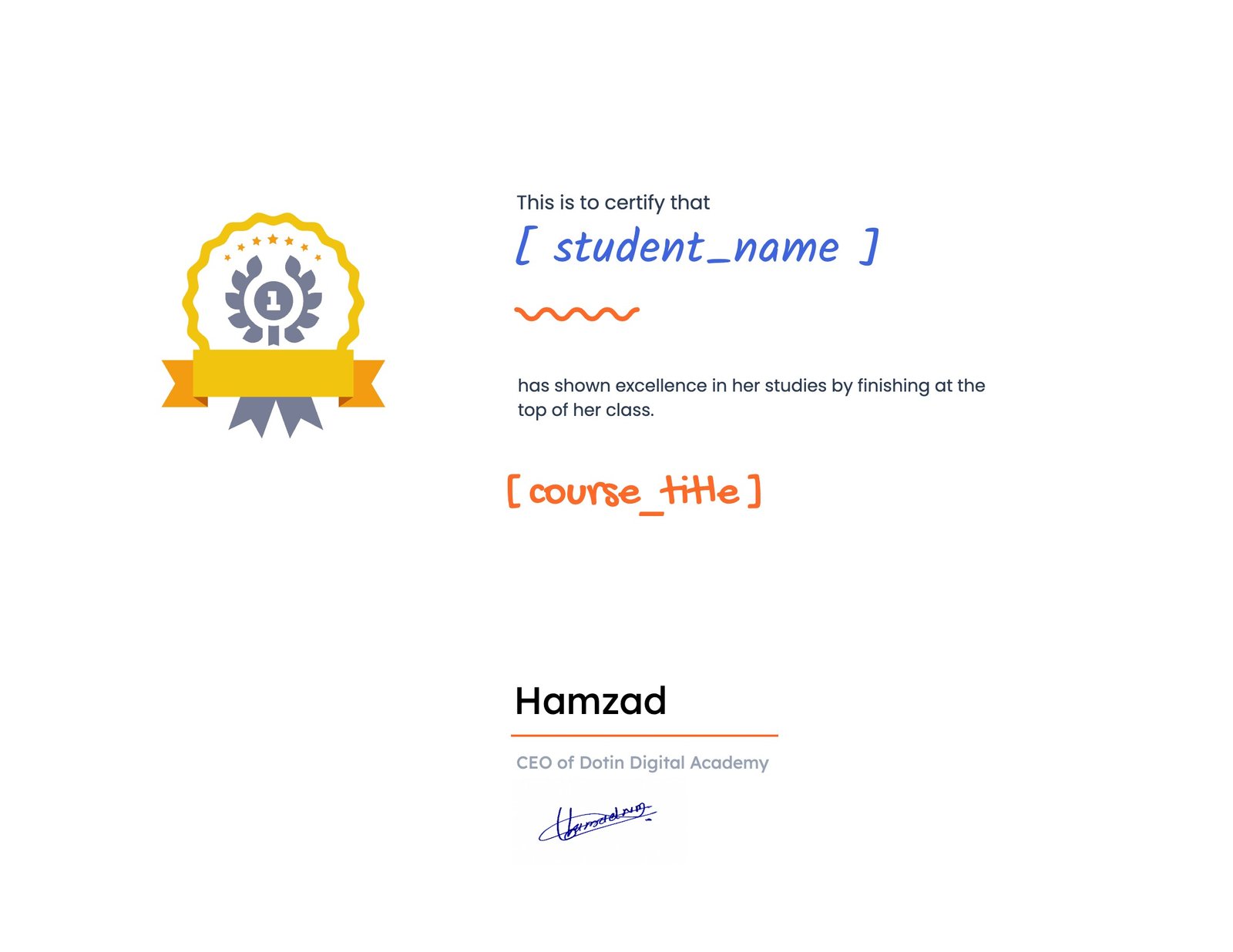

selected template

Want to receive push notifications for all major on-site activities?